
The operating system for your catering business
CaterFlows covers the work from inquiry to invoice — sales, events, kitchen, staff, and books — and puts your company where customers already search for catering.
Looking for catering instead? Find a caterer
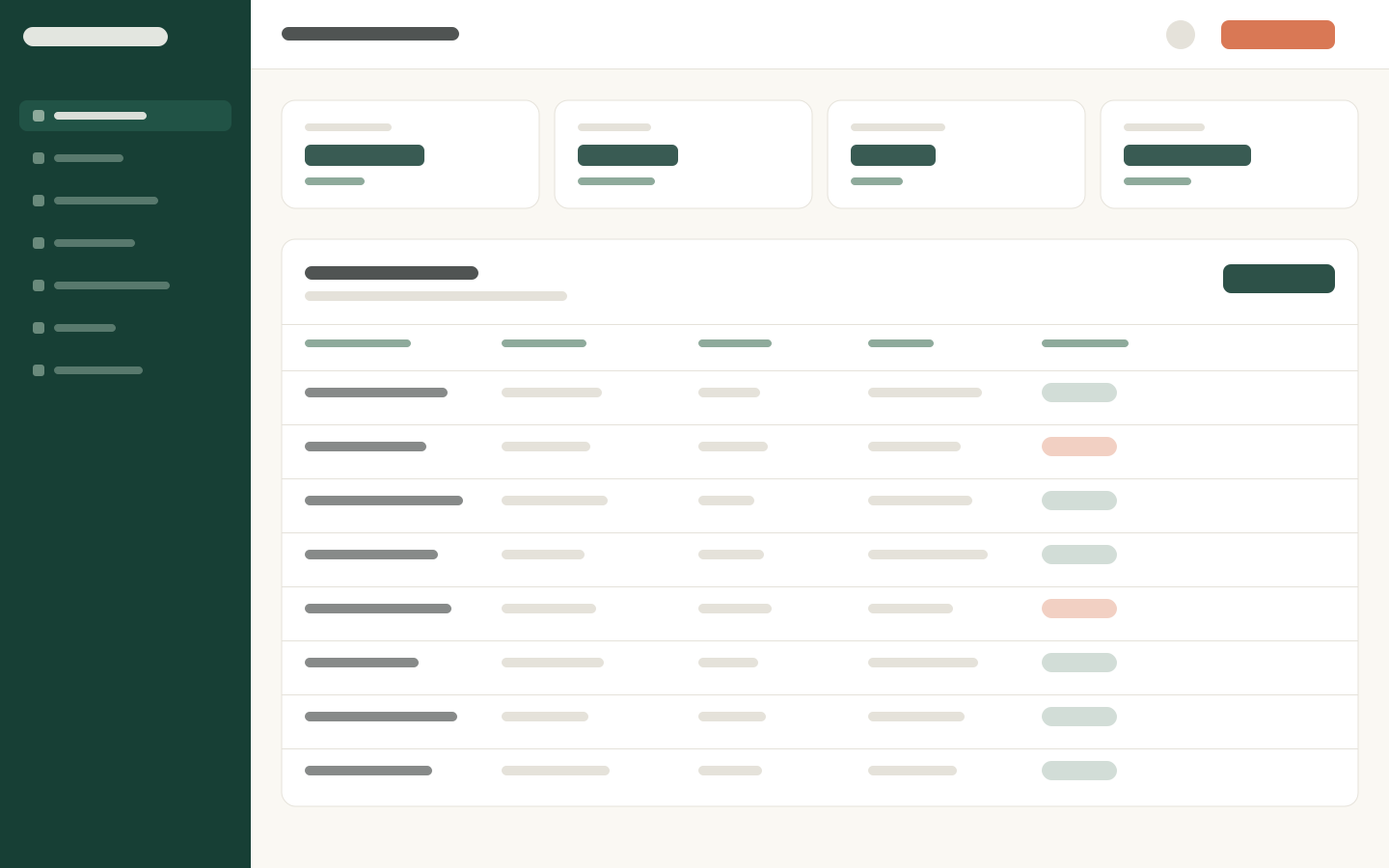
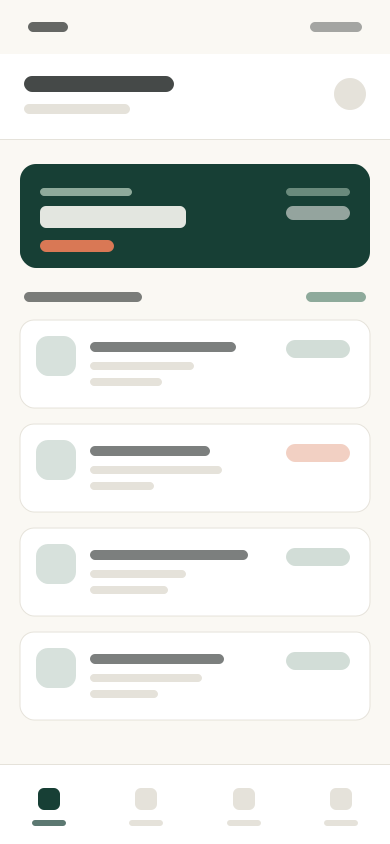
From questionnaire to a working event plan
Clients fill out an event questionnaire. You get a working Event Blueprint — quantities, staffing, timeline, packing, and service notes — then a manager reviews and approves.
- 1
Client questionnaire
Guests, menu, dietary needs, venue, timing, and special requests — captured once.
- 2
Event Blueprint
Quantities, staffing, timeline, packing lists, and setup instructions — a first draft from the questionnaire, not a blank page.
- 3
Manager approval
Review, edit, and approve before anything becomes the official event plan.
Everything you need to run the business
Built for how caterers actually work — not a generic CRM with catering bolted on. The same tools your team uses day to day, in one place.
Sales
From the first inquiry to a signed booking. Keep the pipeline in one place so follow-ups do not live in someone’s inbox.
- Inquiries
- Customers
- Proposals
- Contracts
- Bookings
- Follow-ups
- Sales pipeline
Events
One record for each event — date, venue, guest count, menu, timeline, and status — with the BEO and documents attached.
- All events
- Calendar
- BEOs
- Tasks
- Documents
Menus & recipes
Reusable menus tied to recipes, ingredients, dietary needs, and food cost, so pricing stays honest before you quote.
- Menus
- Menu items
- Recipes
- Ingredients
- Packages
- Add-ons
- Dietary & allergens
- Pricing
- Food costing
Operations
The work after the booking: production, packing, deliveries, kitchen schedule, and food safety — planned against the event, not a spreadsheet.
- Production
- Prep lists
- Packing lists
- Equipment
- Deliveries
- Vehicles
- Event checklists
- Kitchen schedule
- Food safety
- Tasks
Inventory & purchasing
Know what you have, what to buy, and what it costs. Shop the CaterFlows marketplace when you want group purchasing.
- Marketplace
- Inventory
- Shopping lists
- Suppliers
- Purchase orders
- Receiving
- Transfers
- Waste
- Price history
Staff
Schedule your team, assign events, and clock time. When you need extra waiters or bartenders, request them privately inside CaterFlows.
- Find staff
- Team
- Schedule
- Event assignments
- Availability
- Time clock
- Timesheets
- Roles & rates
- Payroll
- Certifications
Services & rentals
Package bartending, rentals, delivery, and setup with the food so quotes stay complete and nothing is forgotten on the invoice.
- Services
- Service packages
- Rentals
- Equipment
- Delivery
- Setup & cleanup
- Bartending
- Staffing services
- Fees & charges
Expenses
Capture receipts, bills, and reimbursements against the event or the business — not a shoebox at tax time.
- Expenses
- Receipts
- Bills
- Vendors
- Categories
- Reimbursements
Finances
Collect deposits and balances, pay the team, and see what each event actually made — with books that stay in sync.
- Invoices
- Payments
- Deposits
- Payouts
- Event profitability
- P&L
- Cash flow
- Payroll
- Taxes
Marketing
A customer website with booking, plus reviews, promotions, and email or SMS — and a marketplace profile people already search.
- Website
- Social media
- Advertising
- Promotions
- Reviews
- Email & SMS
- Analytics
Kitchens
Find and reserve commercial kitchen time when you need extra space, then keep those rental costs with the event.
- Find a kitchen
- Reservations
- Saved kitchens
- Kitchen calendar
- Rental expenses
Reports
Sales, food cost, labor, waste, and event profitability — the numbers you need without exporting to a spreadsheet first.
- Sales
- Events
- Food costs
- Menu profitability
- Labor
- Purchasing
- Inventory
- Waste
- Financial
- Marketing
- Event profitability
Business setup
Insurance, licenses, QuickBooks, payments, and permissions — configured once and used across every event.
- Business profile
- Business license
- Insurance
- Locations
- Users & permissions
- Taxes
- Service charges
- Gratuity
- Payment settings
- Integrations
- QuickBooks
- Notifications
- Templates
- Custom fields
Help along the way — not another tool to learn
CaterFlows can draft the first version of a customer email, flag a gap in an event, or answer a question from your own records. You stay in control: review, edit, and send. The platform is powered by AI where it saves time, and stays out of the way where it does not.
Customer emails
First drafts for follow-ups, confirmations, and proposals. You edit and send.
Event checks
Catch a missing guest count, menu, or unfilled shift before the morning of — not after.
Questions on the job
Ask about an event, a customer, or the crew. Answers come from your live records.
Your profile is where customers find you
Claim or create your company profile on the marketplace, then run the business behind it with the same platform.
Ready to simplify your next event season?
Bring your menus and your next booking. We will show you the shopping list, the food cost, and the proposal in one sitting.
Inquiries to invoices — in one place